How To: Reset Your Password
If you’ve forgotten your password or are unable to log into Hang Copilot, you can easily reset it by following the steps below:
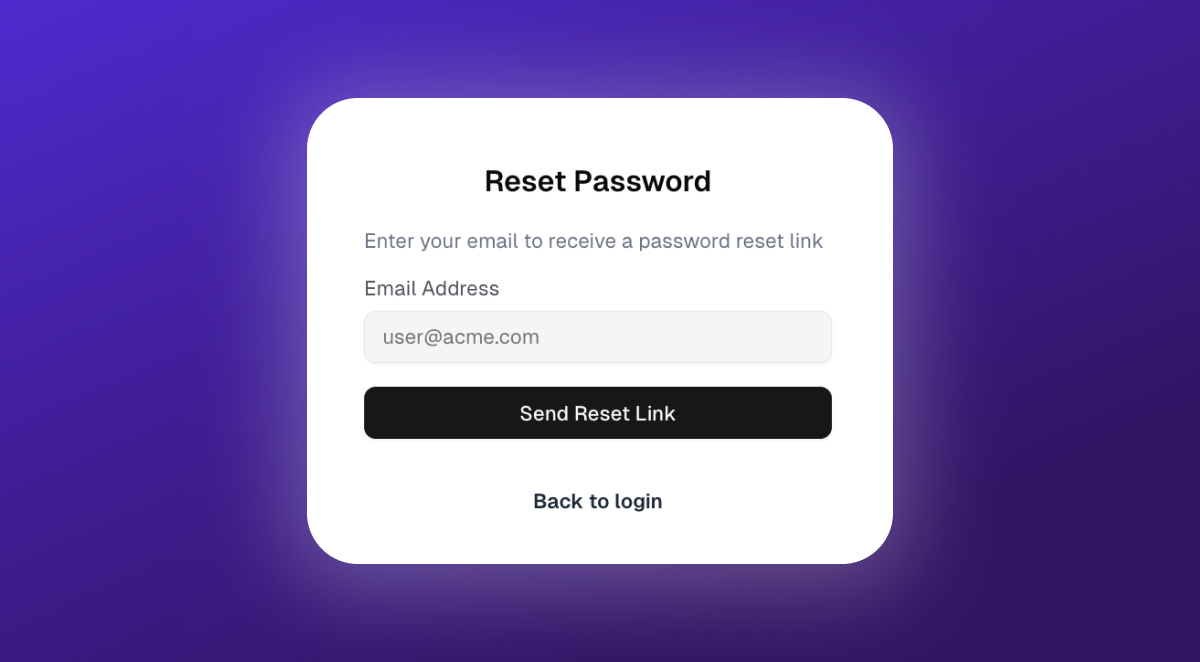
Make sure you’re logged out:
The password reset page is accessed from the login screen.
Go to the reset page:
Visit https://copilot.hang.com/forgot-password. You can do this from any device.Enter your email:
On the “Reset Password” screen, enter the email address associated with your account.Send reset link:
Click the Send Reset Link button. You will see a confirmation that an email has been sent if your address is recognized.Check your email:
Look for an email from Hang Copilot with the subject line: Password Reset Request. (Be sure to check your spam or promotions folder if you don’t see it.)Follow the link:
Click the link in the email. It will take you to a secure page where you can create a new password.Set your new password:
Enter your new password and confirm it. Make sure it’s strong and something you’ll remember.Log in:
Return to https://copilot.hang.com/login and log in with your new password.
Was this helpful?
Still need help? Ask the team